 RoomDisk
Move your photos off before selling or trading in a phone
Before erasing a phone, copy everything you want to keep to a device that stays with you, and make sure each copy is proven identical.
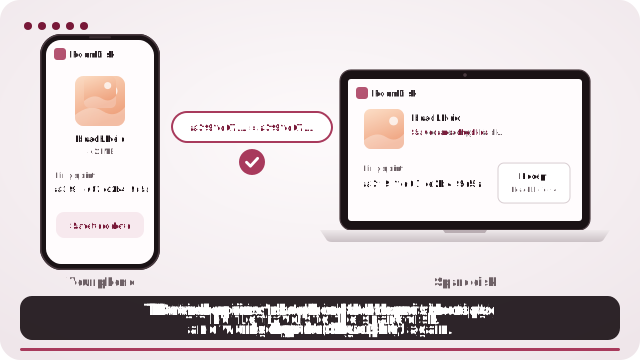
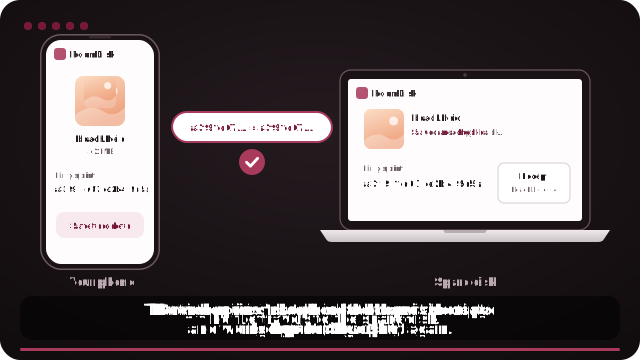
How to do it
- Open roomdisk.com/app on the device that will keep the files and choose Use this device as the spare disk. It shows a QR code.
- On the phone or computer with the files, scan that code. A phone’s Camera app works: tap the roomdisk.com link that pops up. RoomDisk opens and shows its own code.
- On the spare disk, tap Scan reply and hold the phone’s screen up to its camera. (No camera there? Tap Share reply on the phone and open it on the disk device.)
- Send all photos and videos, in batches if there are many.
- Use Backed up? on the old phone to confirm everything is on the disk.
- Only then erase the phone (Settings › General › Transfer or Reset).
On iPhone, for exact originals, tap Options in the photo picker and choose Current, or pick from the Files app. Otherwise iPhone may send converted copies (for example JPEG instead of HEIC).
Try it with the two devices you have
Free to start. Nothing to install, no account.