A private backup at a relative’s home
A copy in another house is what protects you from fire, flood or theft. With RoomDisk Anywhere, an old phone or laptop at your parents’ or a friend’s home keeps a locked copy of everything: they look after the device, but they can’t see a single file name.
How to do it
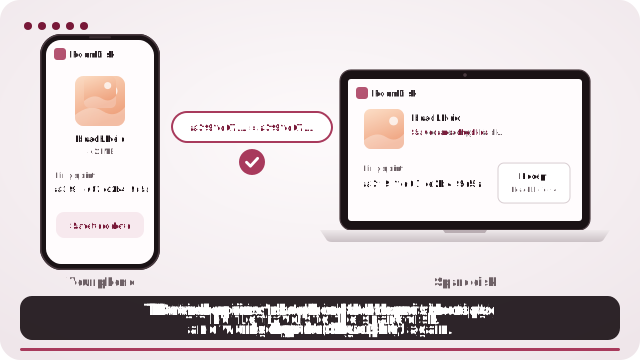
- At their home, open RoomDisk on the spare device and choose Use this device as the storage disk. Turn on Reach from anywhere in its Settings.
- On your own spare disk, open Safety › Mirror disk › Add a mirror disk and choose Someone else’s.
- Write down your mirror key and keep it away from your devices.
- Pair the two once. After that they keep in step by themselves, over the internet.
Why another home
Two copies in one house can be lost together. The usual advice for photos that matter is three copies, on two kinds of device, with one somewhere else. Your phone, your spare disk at home and a locked copy at a relative’s home is exactly that.
What they can and can’t see
- They see a folder of files with random names that take up space.
- They can’t open them, see their names or tell what they are: they’re locked with your mirror key, which never leaves your devices.
- Their own files on that device stay separate and private from you too.
If your own disk is ever lost
Set up a new spare disk, choose Bring files back with a mirror key, type the key and pair with their device. Everything comes back, in its folders.
Questions
What if I lose the mirror key?
Your spare disk keeps it too, so nothing changes while it works. Write it down anyway: it’s the only way to open the locked copy if your own disk is lost.
Does their device need to be on all the time?
Only RoomDisk open on it, now and then. The two catch up whenever both are on; on Android it waits until the device is charging.
Which plan do I need?
RoomDisk Anywhere, which includes Pro. Bringing your own files back with your key is always free.
Try it with the two devices you have
Pay once, keep it. Nothing to install, no account.