
How to verify a copy is identical before you delete the original
A file that “looks fine” can still be damaged. RoomDisk checks the exact contents of every file on both devices, so a single wrong byte is caught.
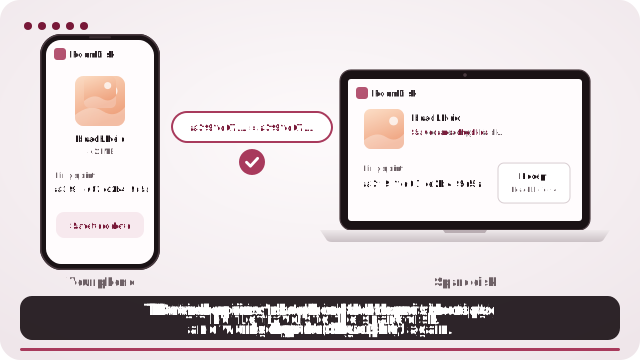
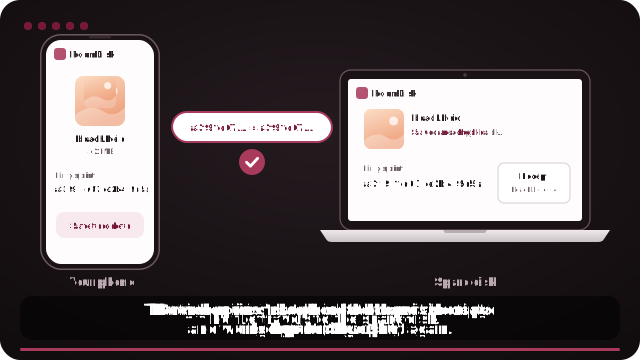
What RoomDisk does
- The sending device checks each file’s exact contents.
- The disk writes the file, reads it back and checks it again.
- Only files whose checks match are counted as safe to delete.
- Each batch writes a receipt on the disk, listing every file that was checked.
Check files any time
On the phone, Backed up? checks any files against the disk by what’s inside them, not by their names.
Why “it opened fine” isn’t enough
Copies can go wrong without any warning: a cable or drive that drops out mid-write, a flash drive with failing memory, or an app that renames or skips files. A damaged photo may still open, with a grey band or missing half. Checking the contents on both sides is the only quick way to know every byte matches.
Check the whole disk later
Drives and old phones can develop errors over time. In the disk’s Settings, Check the disk re-reads every file and makes sure it’s exactly as it arrived, so you find a problem while the original still exists.
Questions
How does the check work?
Can I check a copy RoomDisk didn’t make?
Does checking slow the transfer down?
Try it with the two devices you have
Pay once, keep it. Nothing to install, no account.